How to obtain the TAXISnet error message?
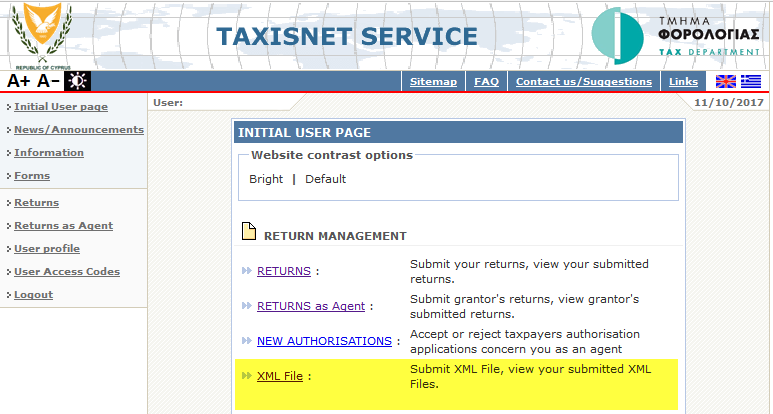
Login in to TAXISnet, and select XML File
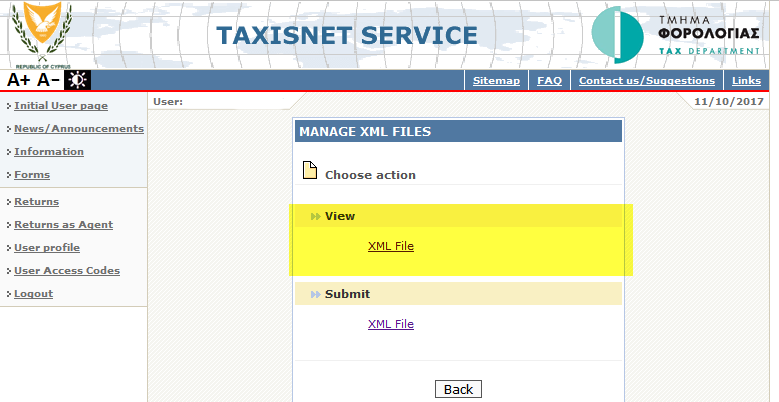
Select View > XML File
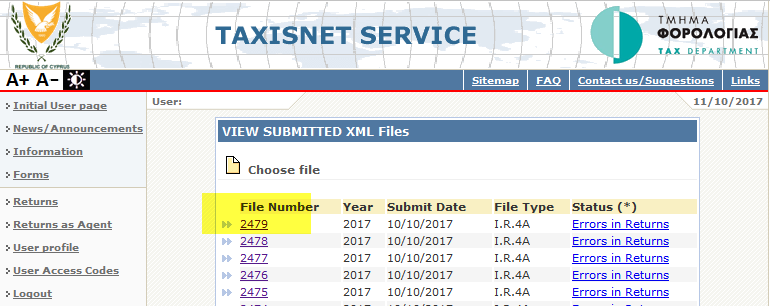
In the shown list of submitted XML files, click on the File Number
Then click on the Status (Rejected)
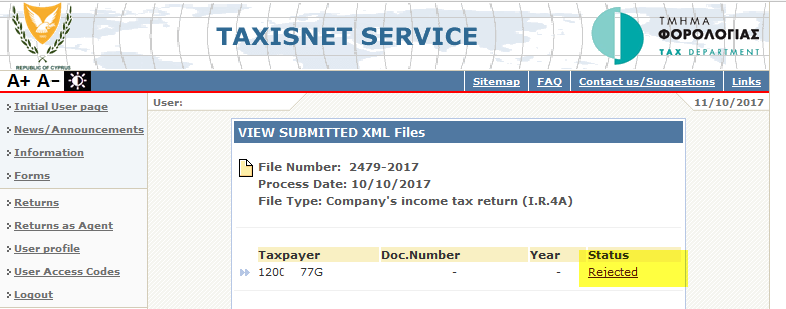
The result screen will display all the errors due to which the submission was rejected. (The following message is just a sample)
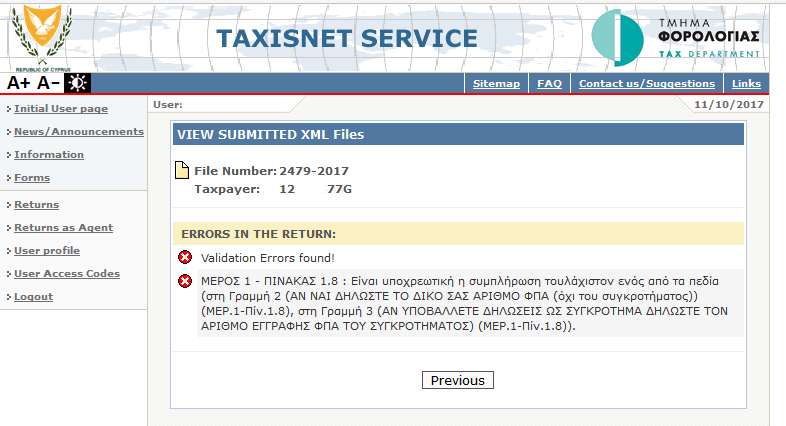
Take a print of the above screen.